My business didn’t load anymore. Since a few days ago, I have been getting the following screen when I run ManagerDesktop.exe
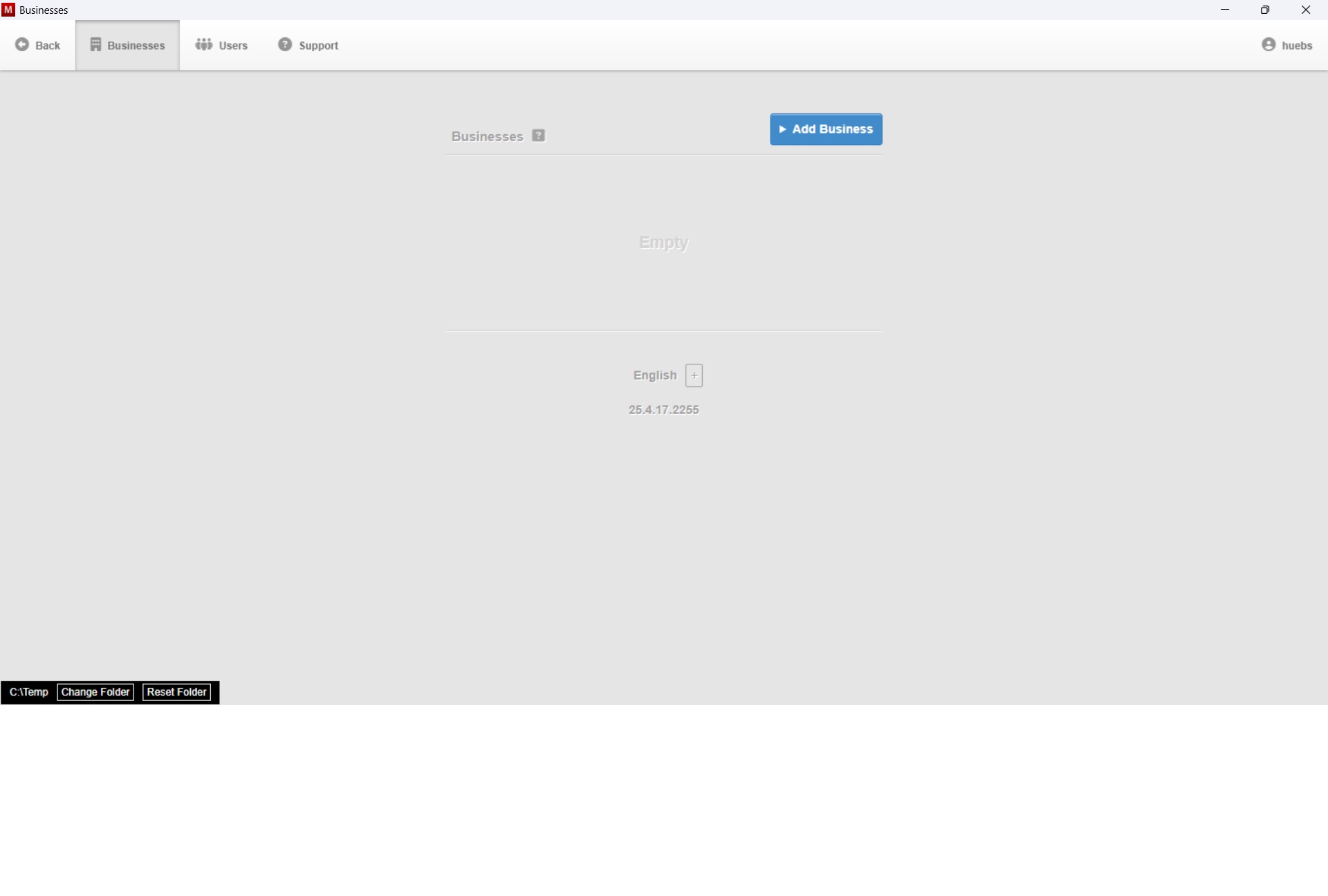
At the bottom left of the screen, I got the choice “Change Folder” or “Reset Folder”. Somehow, the path to the folder with the business files seems to have been lost and now points to C:\Temp
What would the correct folder name be? In the folder “Accounting Manager”, there is a subfolder named “Manager - Data”, but it is empty. I copied the latest backup file for one of the businesses in the folder “Manager - Data”, but it did not solve the problem.
Then I went the route of importing a business. On the screen as per the above screenshot, I clicked on the blue button “Add Business”, on the next screen on the green button “Import Businesses”, then I imported the latest backup file, which was created on 2025-04-17, and this worked, although the folder “Manager - Data” is still empty.
Does this mean that all new data entries I made after 24 April 2025 are irretrievably lost and I have to redo them all?