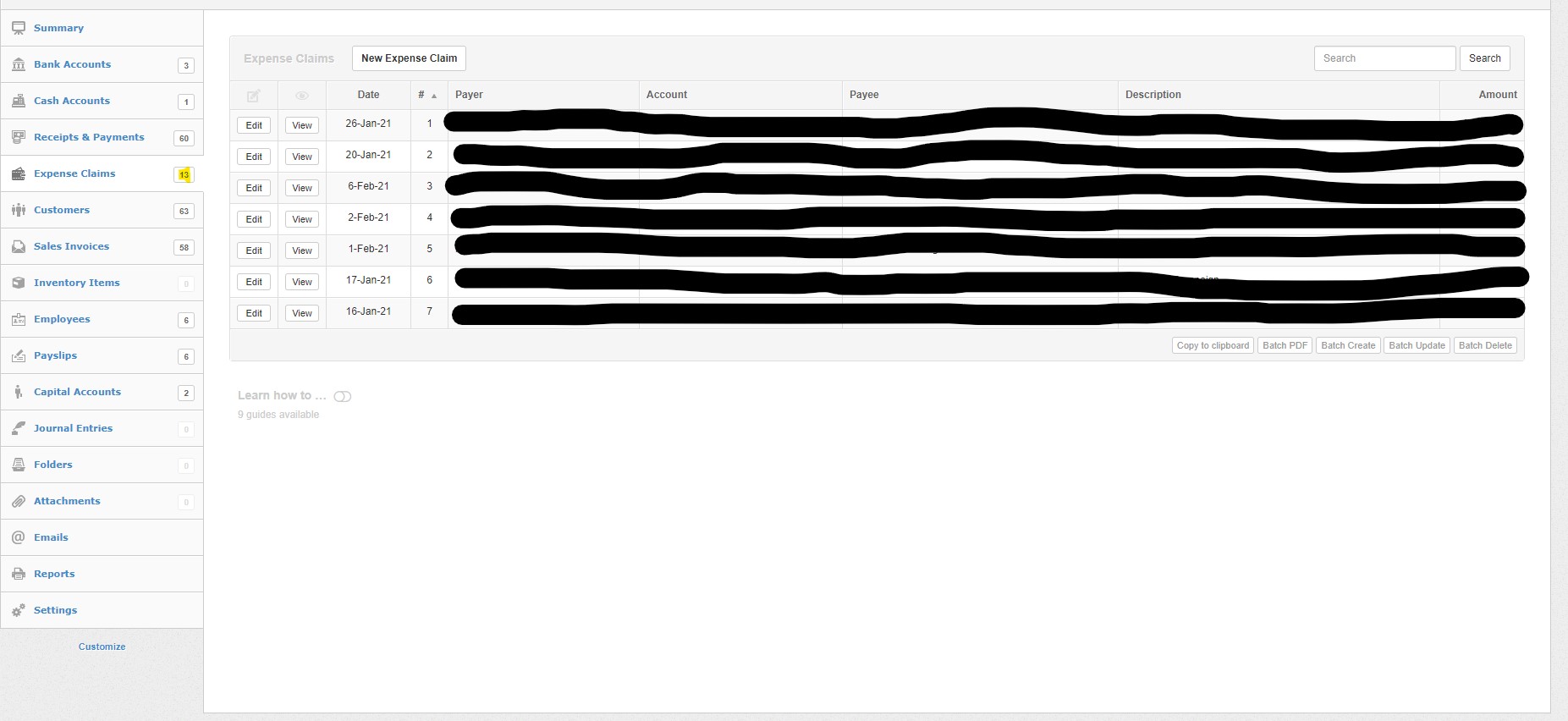
@Ahmed_Marhoon, @DeMaHoM, what edition (desktop, server, or cloud) are you using? And what operating system and version number?
@Abeiku, I cannot reproduce this behavior either. I tried on both desktop and cloud editions on a Mac running macOS 10.15.7. If I remember, don’t you use Windows?
Thanks, @Ealfardan. I was waiting to learn if this was possibly restricted to one operating system. Since you have replicated it in the cloud edition, I have moved the topic to bugs.
After examining the history records, it turns out that the user have entered the expense claim before the start date of the business (2020/01/01) by mistake.
This is a user mistake, however, in all other tabs, transactions before start date are not effective but they still appear to be viewed and edited. But in expense claims they disappear.
I don’t know whether this still counts as a bug, but imo if the user makes a mistake, they should be able to locate the entry, edit it and correct it, which is not possible right now (at least not immediately or obviously).
@Ahmed_Marhoon@DeMaHoM try to remove your start dates temporarily and either correct those expense claim dates or delete them if their dates were correct and see if that solves your problem.
Good detective work, @Ealfardan. I think still a bug, because the user is lost, can’t recover, and the behavior is inconsistent with the rest of the program.
Fixed in the latest version (21.3.71) however I will need to find better way to make it obvious when entered transactions are not considered for general ledger purposes due to start date.