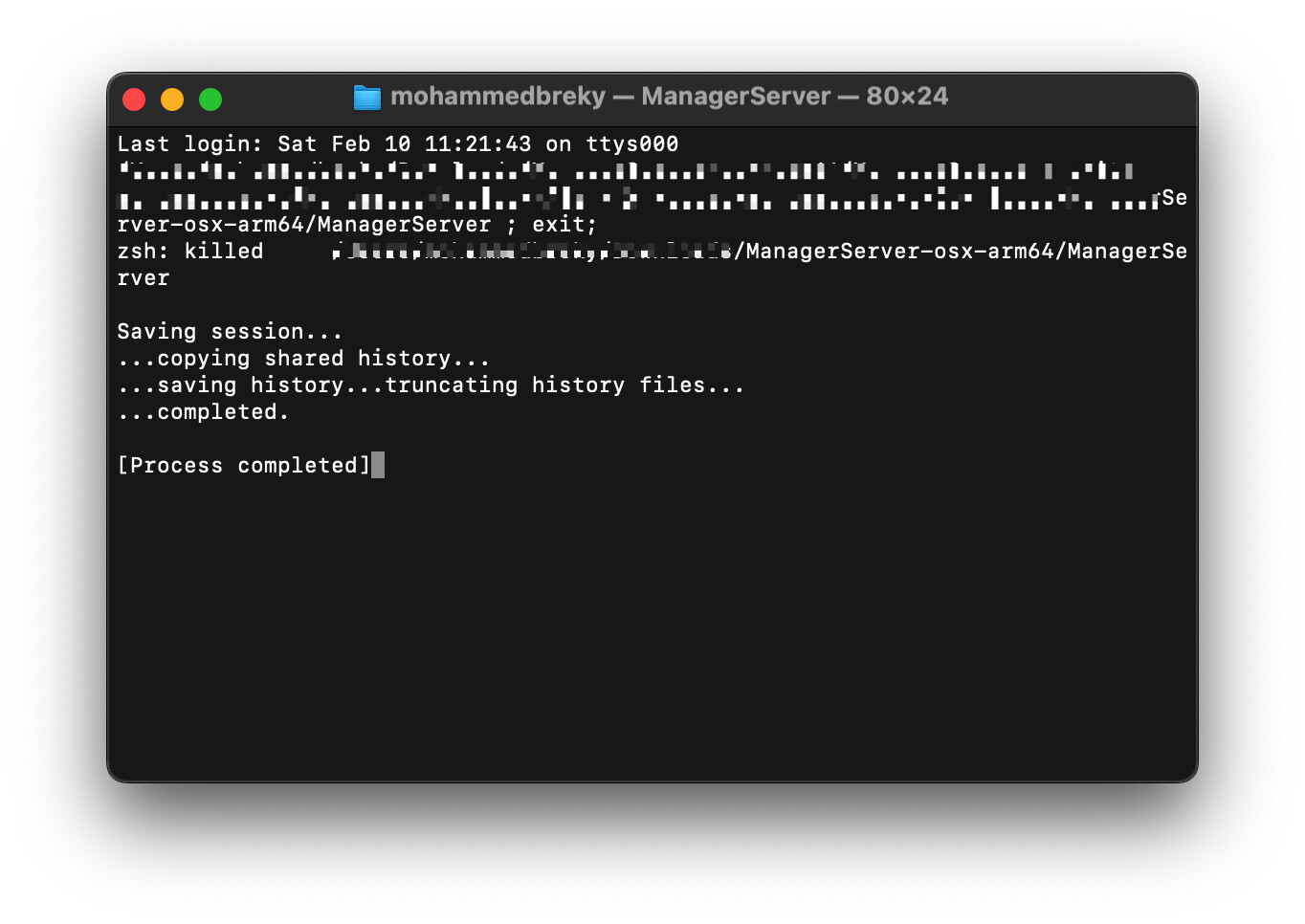
Hello all, I’ve installed the arm server version for mac and tried to opened in via terminal, but nothing worked, i also disabled the unverified developers in the setting and using the command:
sudo spctl --master-disable
after running ./ManagerServer it gives me this
zsh: killed ./ManagerServer
also if i try to open it by clicking on ManagerServer it gives me this
Did you follow the instructions on Mac | Manager ? Especially to navigate to the installation folder in terminal and then launch using:.ManagerServer (do not forget the . )
@Lubos note that I can replicate and not resolve the problem on a local Mac M1 with Ventura 13.6.3
Most likely it is a code sign error can you please review.
@eko or @lubos should we assume that Manager Server will not be available for macOS Arm machines (without running Rosetta)?
I tried downgrading to Ventura and installing older versions ManagerServer-osx-arm64.zip going back to 2023 and they all present the same zsh: killed problem.
Has anyone on this forum been able to get Manager Server running on Apple silicon?
Old thread, but maybe this will help someone. This is how to overrule macOS nonsense.
Download the installer
Unzip into desired location
Open Terminal in that location
Run the command xattr -d com.apple.quarantine *. This removes the flag that it’s an unknown or unsigned file, which triggers all those nonsense warnings from macOS.
Then enter ./ManagerServer
It should display some text, and that it is serving requests on 8080.
You may still need to go to System Settings / Privacy + Security / Security and see if macOS is still banning one of the components. Click Allow, and then try running again.
On my (silicon) Mac M2, this did only work for me with the x64 version of ManagerServer, running under Rosetta. The arm version kept the same problem: zsh: killed.