I appreciate the effort made on the footers for sales invoice as there are line numbers already, I hope it also be implemented in the other modules though.
However, I noticed that spacing between lines doesn’t reflect in the document even if it clearly showed upon encoding of the footers.
It seems more advantageous if you employ HTML and CSS in crafting the Footer to ensure its appearance aligns with your vision. Naturally, you should possess an understanding of HTML and CSS. You might consider experimenting with this code:
<div>
    Reviewed by:
</div>
<div>
    XYZ Company
</div>
<div style="margin-top: 10px;">
    Approved by:
</div>
<div>
    ABC Company
</div>
The CSS property margin-top: 10px provides a spacing of 10 pixels from the top for the Approved by: element relative to the XYZ Company element.
Thanks for the input. Can this approach be applied in other modules too? Like purchase invoice? As it has different input window compared to sales invoice
Yes, you can implement it in other modules. The HTML and CSS syntax can actually be utilized in many parts of the Manager. You might even consider experimenting with HTML and CSS to format text, for instance, within the description text input section of a table form when creating an Invoice, Payment, Receipt, and so forth.
There is no need to exert yourself excessively. It takes time to learn HTML and CSS. You can find numerous tutorials online to understand HTML and CSS, or even JavaScript for further advancement, but only if you have the time. If the current standard setup already meets your bookkeeping needs, that suffices. Unless you require extensive customization. Alternatively, if you have the resources, you could hire a programmer to assist with customization for you.
If your only requirement is to make line spaces, as you showed in your first post, then the only HTML that you need to know is break tag. This tag does not need to be closed and you can simply place it at the end of the line where you want the line break or paragraph. In you example, you would put it in the footer like this…
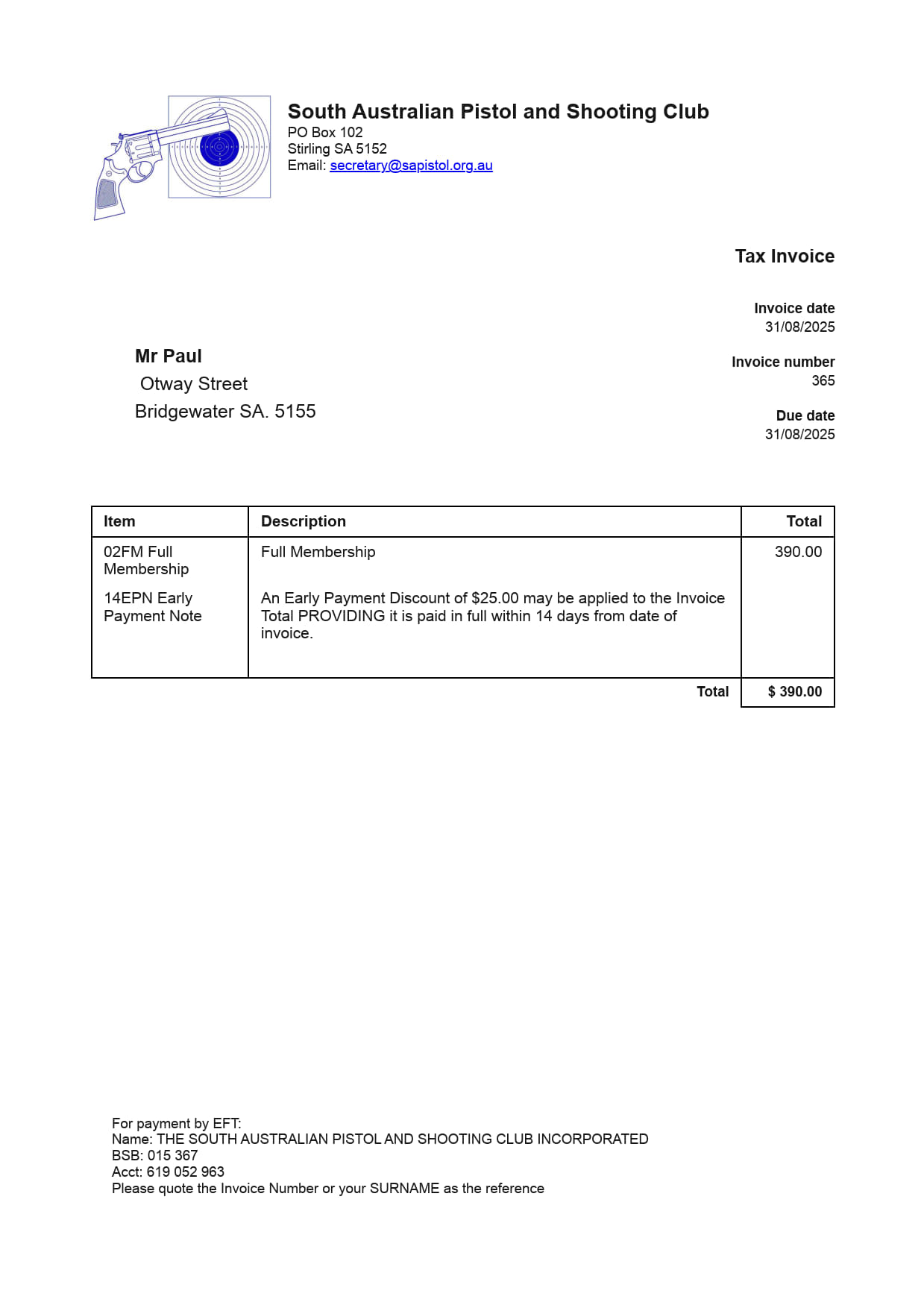
I moved our footer down to bottom left hand side using Theme Enhancer. Just told it to do that and it did!!
Note in Invoice View mode it still shows it at high level but when printed it is at bottom left hand corner as shown here.