We uploaded an image file to the folder and viewed it and copied its URL address and pasted into the invoice (in custom field with html image code). This image will continue to appear in the invoice as long as we are currently on the same screen, but as soon as we move from here to another screen, the image will no longer be visible. Please solve this, am i missing any thing. 
Hello @Syed_Salman_Ali,
Could you please explain your case a bit more.
Namely:
 do you mean a folder in Folders tab? Or is it something else
- You lost me here brother, of course if you switch screens, you will not see contents of the previous screen.
 I know for sure that can’t be what you mean. Please share some screenshots so we can understand your issue.
@Ealfardan my mistake i did not post screen shot, there you go, hope its clear my point,
in Folders i create a Folder to attach my PNG File 

When i Click on the attached file to view shown like this,
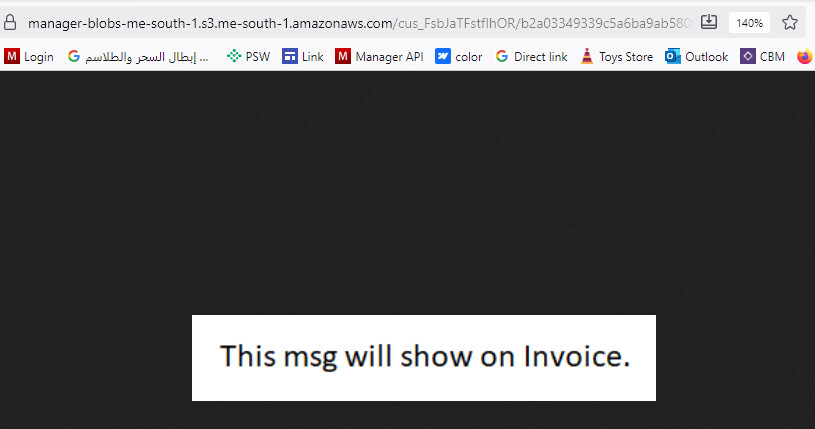
Now i copied the URL address and paste it to custom field.
now on invoice it shows perfectly

now i go to other screen for further when i come back to my invoice it shows like this

now i have to go to the Folder again and View the attachment, copy new URL paste to custom field, then it will show again.
No problem, it’s clear now.
I think this should be an idea. Since Manager provides users with storage capacity, I think the user should be able to use it.
@Ealfardan @Mabaega
Until this idea is implemented, what method can we adopt? please give some advice, facing a lot of difficulty due to this.
Try like this
In Custom Theme
<!DOCTYPE html>
<html>
<head>
  <title>Image Display</title>
</head>
<body>
    <img src="./view-attachment?ChIJIko_qPQ1rEwRoE4K_JV_ZLiiBhNMYXN0IFRlc3QgTXkgSW52b2lz" width="64" height="64" alt="Local Image">
    <img src="./view-attachment?ChIJHg_b6j97SUoRtZmVDHDtFgqiBhNMYXN0IFRlc3QgTXkgSW52b2lz" width="64" height="64" alt="Local Image">
</body>
</html>

for Custom Field

