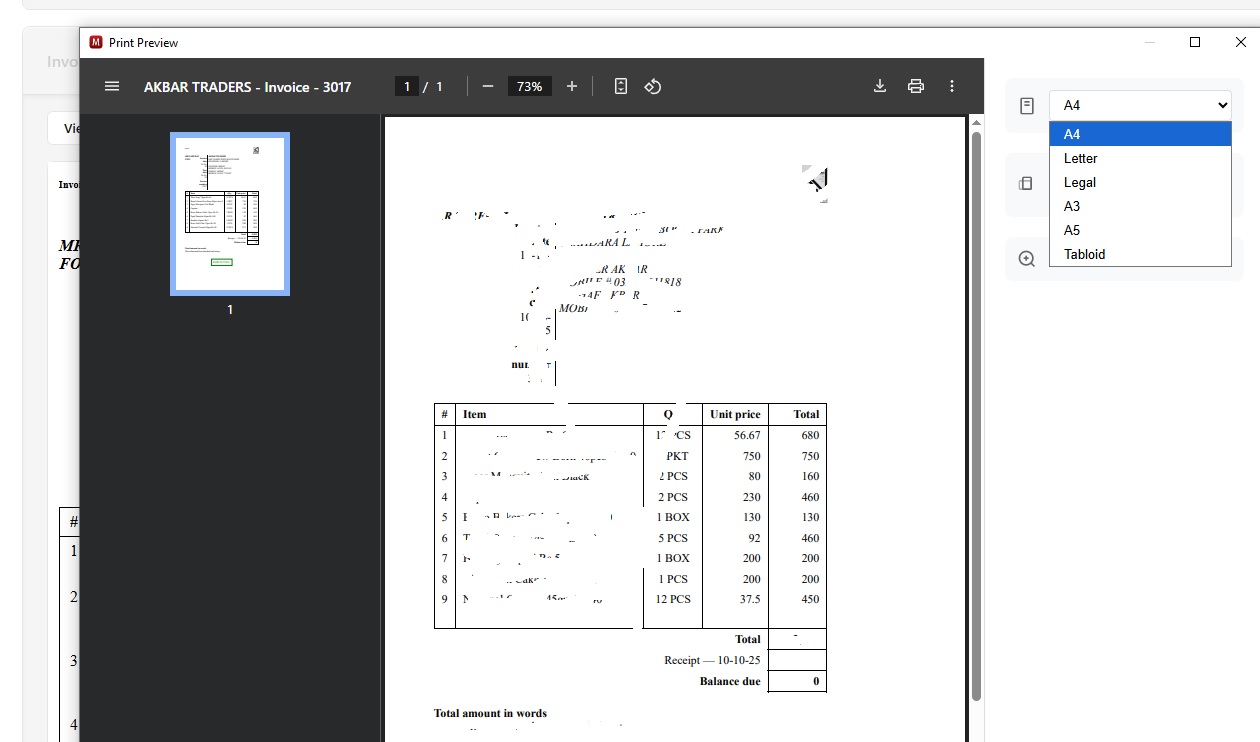
New version updated 25.10.10.2937.
Now the problem is that the thermal printer is not showing.
1- Invoice Created
2- Click on print
3- New window opens for print
4- not showing any thermal printer option/setting
5- Screenshot attached
please help.
@pk.tanveer welcome to forum,
Did your printer previously have a thermal paper option? It’s not that the option is available because the printer is attached or because the thermal printer theme is being used.
@Syed_Salman_Ali Thanks
Yes, already use a thermal printer via theme.
Now also use the thermal printer theme, but when I click on the print button, then the normal print options like A4, A5, A3, Legal, etc. (as per attached screenshot)
As of today, there are no printer settings available in the Manager Desktop application.
For your issue, you can try opening your business data in a browser by running Manager and visiting this URL: http://127.0.0.1:55667
From there, you should be able to print and your system’s printers should all be detected.
Working, but only online.