I found a problem when importing split transactions and assigning a bank rule to them. Applying the rule introduces extra lines, and in the Edit view shows an unbalanced transaction. I found no reference to this particular problem on the forum.
Below is a walk through for a simple example.
The import is from a QIF file exported from another application (Moneydance). It contains many transactions, all of which I deleted from Manager except one. This one looks as follows in the QIF:

When I look at the main screen in Manager I see:

Going to Receipts:

View shows:

Edit shows:

I don’t edit, but enter a Receipt Rule:

This is the rule entry screen:
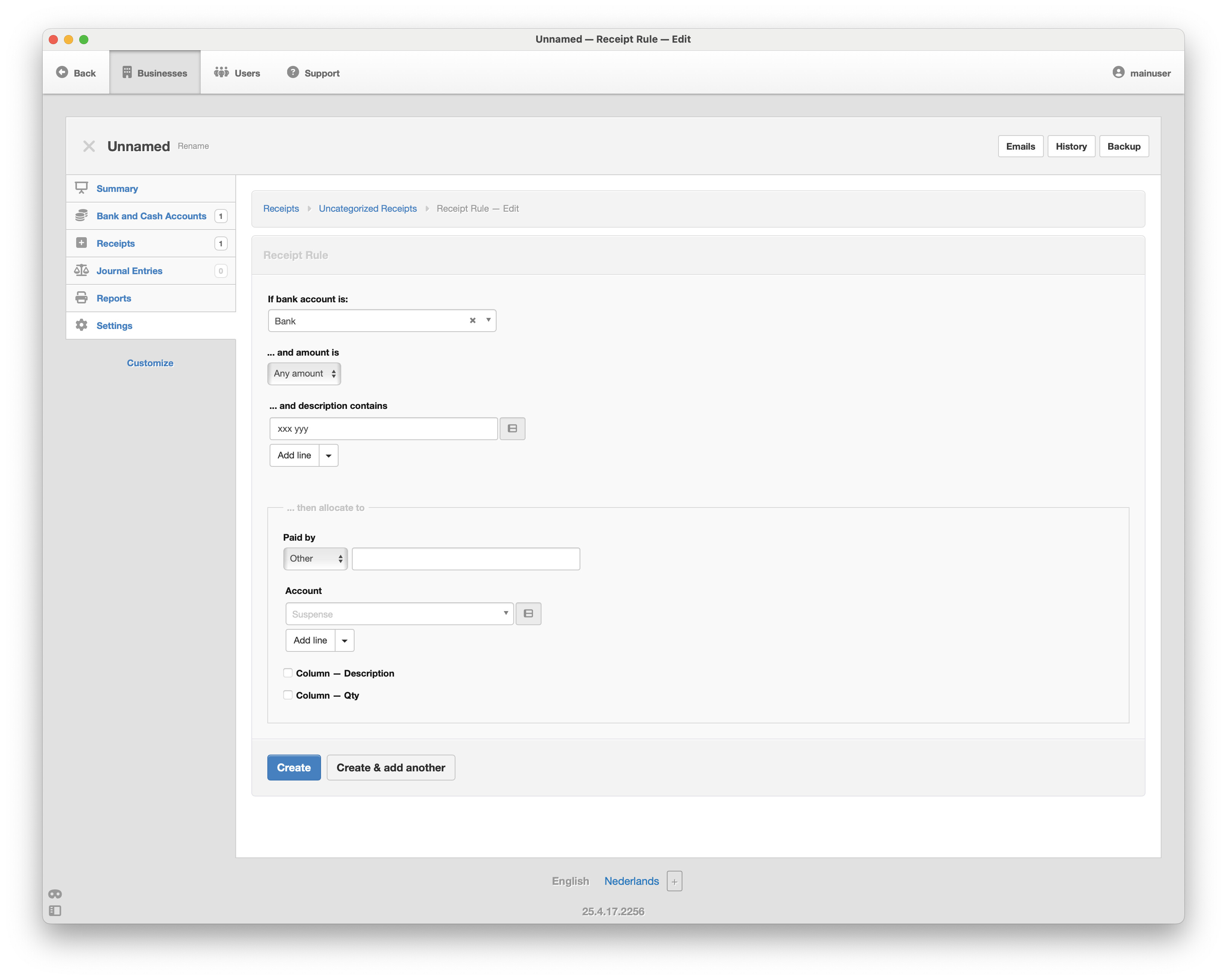
This is the rule I create:

And the batch update screen:

Note the mention of the suspense account. After applying the rule, this is the View:

Note the extra lines. Now the edit screen for the transaction:

There is an extra line with the suspense account, which should not be there, and which leaves the transaction unbalanced.