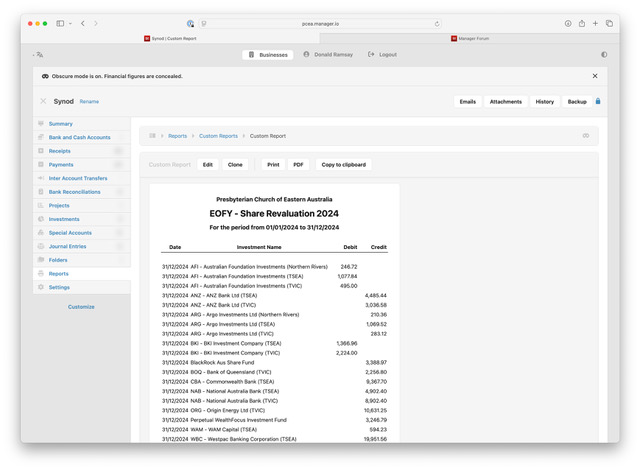
Custom reports do not print correctly from the PRINT button.
Using the PRINT button causes the entire page, including the left menu bar, to be printed rather than the report itself. The PDF button appears to be working correctly.
Custom reports do not print correctly from the PRINT button.
Using the PRINT button causes the entire page, including the left menu bar, to be printed rather than the report itself. The PDF button appears to be working correctly.
@dram please share screen shot so it will be easy to sort out, both (Print & PDF) functions are working fine at my hand (Cloud Version).
Fixed in the latest version (25.10.11)
Thanks @lubos ,
Your quick fix is much appreciated.
While it is not an issue for me, the obscure mode appears to work everywhere except within Reports.
Regards,
Donald