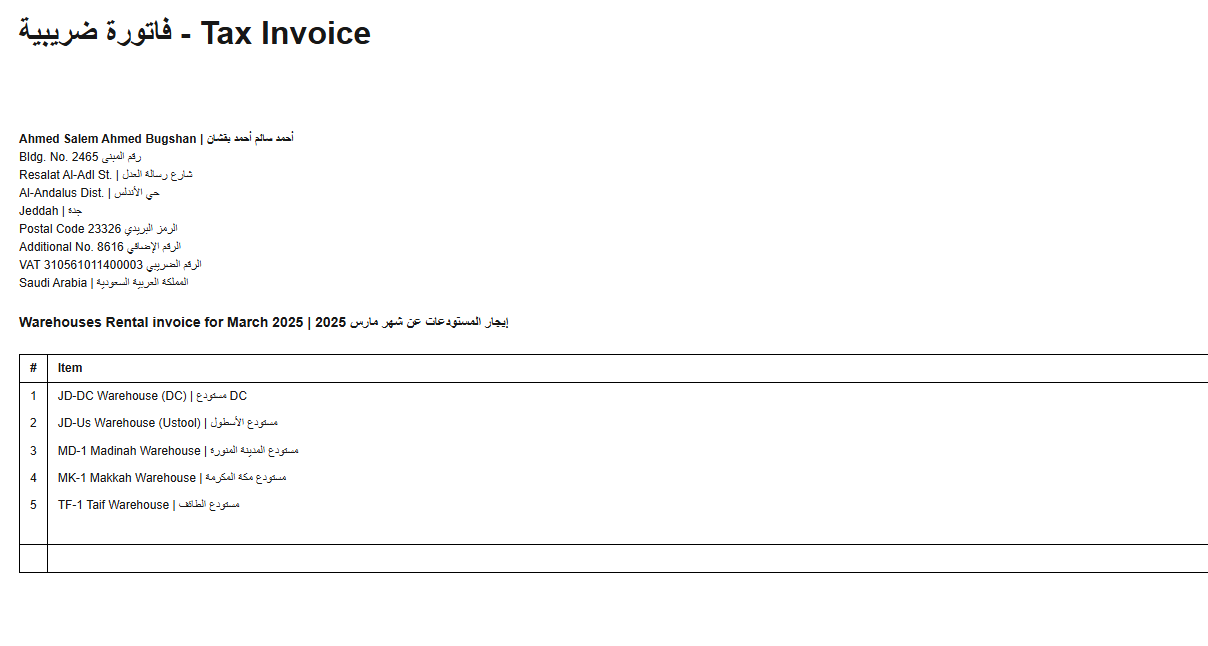
I have integrated with ZATCA in KSA, and want to change the reference of the invoicing.
how to do it in Manager?
Is the reference pointing to a document that has already been reported, or one that hasn’t been reported yet?
If it refers to a document that has already been reported, then it should remain unchanged, as it is already part of the e-invoice submitted to ZATCA.
No, this is only for new invoices, I want to put invoice number from my system to reflect the year and special reference.
many thanks,
Do you want to use manual reference numbers for all invoices, or do you only want to set the initial reference number and let the system continue it automatically for the following invoices?
If you only want to set the initial reference number, you can temporarily disable the locking script and enter your desired number. After that, re-enable the locking script as before. The next invoice numbers will then follow automatically, incrementing from the one you set.
Alternatively, this might be a solution:
This script will unlock the Reference Number field for new documents.
Go to:
Settings → Custom Fields → Text Custom Fields
Edit the Approval Status custom field, clear the content of the Description field, and replace it with this script:
<div id="MainScriptContainer">
  <script>
    document.addEventListener('DOMContentLoaded', () => {
      const readonlyLabels = ['Approval Status', 'Zatca UUID', 'Base64 QRCode'];
      const guidsToClear = [
        'a1b2c3d4-e5f6-4abc-8def-abcdef000016',
        'a1b2c3d4-e5f6-4abc-8def-abcdef000017',
        'a1b2c3d4-e5f6-4abc-8def-abcdef000018'
      ];
      const dateCreatedGuid = 'a1b2c3d4-e5f6-4abc-8def-abcdef000020';
      const allowedButtons = [
        'button.btn.btn-success[onclick="ajaxPost(true)"]',
        'button.btn.btn-primary[onclick="ajaxPost(true)"]',
        'button.btn.btn-default[onclick="ajaxPost(false)"]'
      ];
      const vModelForm = document.getElementById('v-model-form');
      if (!vModelForm) return;
      const labels = vModelForm.querySelectorAll('label');
      let approvalStatusHasValue = false;
      const allowedButtonElements = allowedButtons
        .map(selector => [...document.querySelectorAll(selector)])
        .flat();
      labels.forEach(label => {
        const labelText = label.textContent.trim();
        if (!readonlyLabels.includes(labelText)) return;
        const formGroup = label.closest('.form-group');
        if (!formGroup) return;
        if (labelText === 'Base64 QRCode') {
          const textarea = formGroup.querySelector('textarea');
          if (textarea) textarea.readOnly = true;
        } else {
          const inputs = formGroup.querySelectorAll('input');
          inputs.forEach(input => {
            input.readOnly = true;
            if (labelText === 'Approval Status' && input.value?.trim() !== '') {
              approvalStatusHasValue = true;
            }
          });
        }
      });
      if (approvalStatusHasValue) {
        const updateButton = document.querySelector('button.btn.btn-success[onclick="ajaxPost(true)"]');
        if (!updateButton) {
          labels.forEach(label => {
            if (label.textContent.trim() === 'Approval Status') {
              const formGroup = label.closest('.form-group');
              if (formGroup) {
                formGroup.querySelectorAll('input').forEach(input => input.value = null);
              }
            }
          });
          guidsToClear.forEach(guid => {
            app.CustomFields2.Strings[guid] = null;
          });
          approvalStatusHasValue = false;
        }
      }
      if (approvalStatusHasValue) {
        const controls = vModelForm.querySelectorAll('input, select, textarea, button');
        controls.forEach(control => {
          const isAllowed =
            (control.tagName === 'INPUT' && control.type === 'checkbox') ||
            allowedButtonElements.includes(control);
          control.disabled = !isAllowed;
        });
        vModelForm.querySelectorAll('.v-select').forEach(vs => {
          const input = vs.querySelector('input.vs__search');
          const clearBtn = vs.querySelector('.vs__clear');
          if (input) input.disabled = true;
          if (clearBtn) clearBtn.disabled = true;
          vs.style.pointerEvents = 'none';
          vs.style.opacity = '0.6';
        });
        vModelForm.querySelectorAll('.select2-container').forEach(s2 => {
          const input = s2.querySelector('input');
          if (input) input.disabled = true;
          s2.style.pointerEvents = 'none';
          s2.style.opacity = '0.6';
        });
        vModelForm.querySelectorAll('td.handle').forEach(td => {
          td.style.pointerEvents = 'none';
          td.style.opacity = '0.5';
        });
        vModelForm.querySelectorAll('a.btn.btn-danger').forEach(link => {
          link.style.pointerEvents = 'none';
          link.style.opacity = '0.6';
          link.setAttribute('aria-disabled', 'true');
          link.removeAttribute('href');
        });
      }
      const dateInput = document.querySelector('.mx-input');
      if (dateInput) {
        dateInput.disabled = true;
        const calendarIcon = document.querySelector('.mx-icon-calendar');
        if (calendarIcon) {
          calendarIcon.style.pointerEvents = 'none';
          calendarIcon.style.opacity = '0.5';
        }
      }
      const checkbox = document.querySelector('.input-group-addon input[type="checkbox"]');
      const inputText = document.querySelector('.input-group input[type="text"]');
      if (checkbox && inputText) {
        app.AutomaticReference = false;
        checkbox.checked = false;
        checkbox.disabled = true;
        inputText.disabled = true;
      }
      const createButton = document.querySelector('button.btn.btn-primary[onclick="ajaxPost(true)"]');
      if (createButton && app?.CustomFields2?.Strings) {
        const now = new Date();
        const localDatetime = new Date(now.getTime() - now.getTimezoneOffset() * 60000);
        const currentDateTime = localDatetime.toISOString().slice(0, 19).replace('T', ' ');
        app.CustomFields2.Strings[dateCreatedGuid] = currentDateTime;
        app.IssueDate = currentDateTime.slice(0, 10);
        if (checkbox && inputText) {
          app.AutomaticReference = true;
          checkbox.checked = true;
          checkbox.disabled = false;
          inputText.disabled = false;
        }
      }
      labels.forEach(label => {
        if (label.textContent.trim() === 'Date Created') {
          const formGroup = label.closest('.form-group');
          if (formGroup) formGroup.style.display = 'none';
        }
      });
      const selfDeletingContainer = document.getElementById('MainScriptContainer');
      if (selfDeletingContainer) selfDeletingContainer.remove();
    });
  </script>
</div>
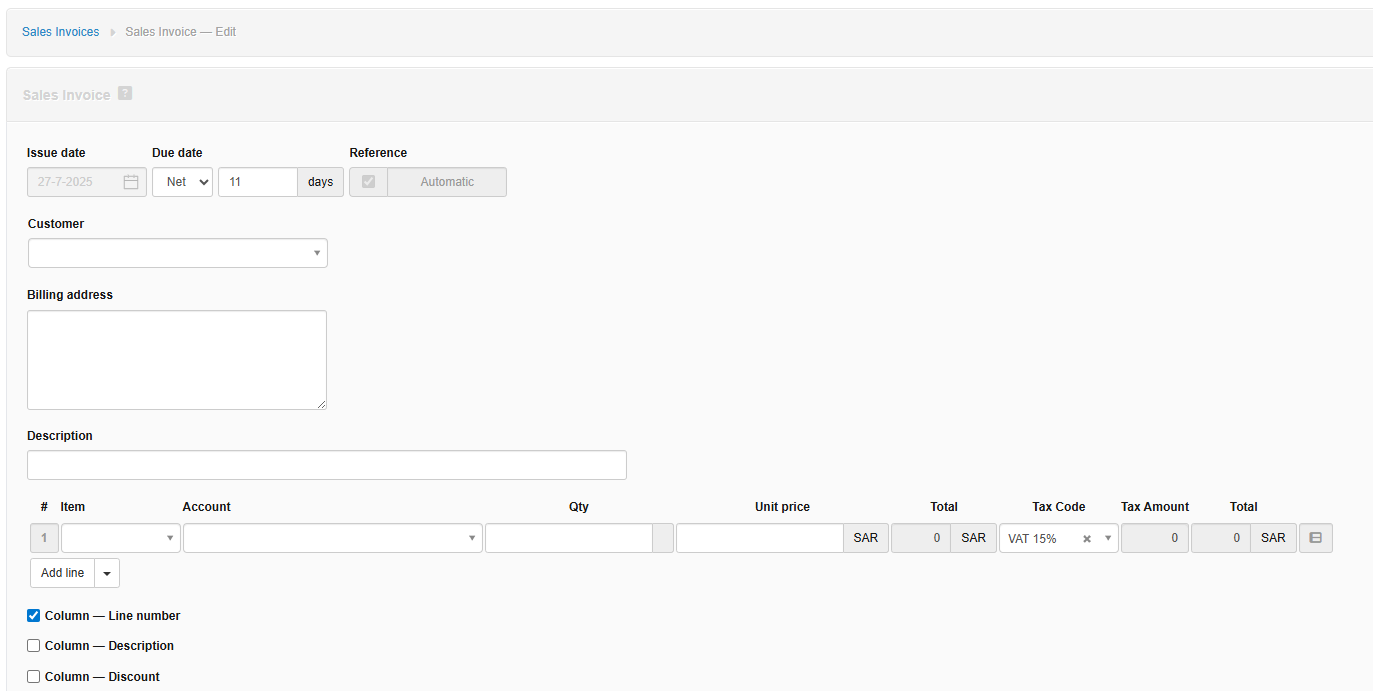

Please share edit screen of Approval Status Custom Field
Go to:
Settings → Custom Fields → Text Custom Fields
Edit the Approval Status custom field, clear the content of the Description field

I mistakenly shared the script, the one I shared earlier is the original script from ZatcaEGS.
I have corrected it, It should work now.
Regarding the effect on the Invoice View, it should not be related to this code.