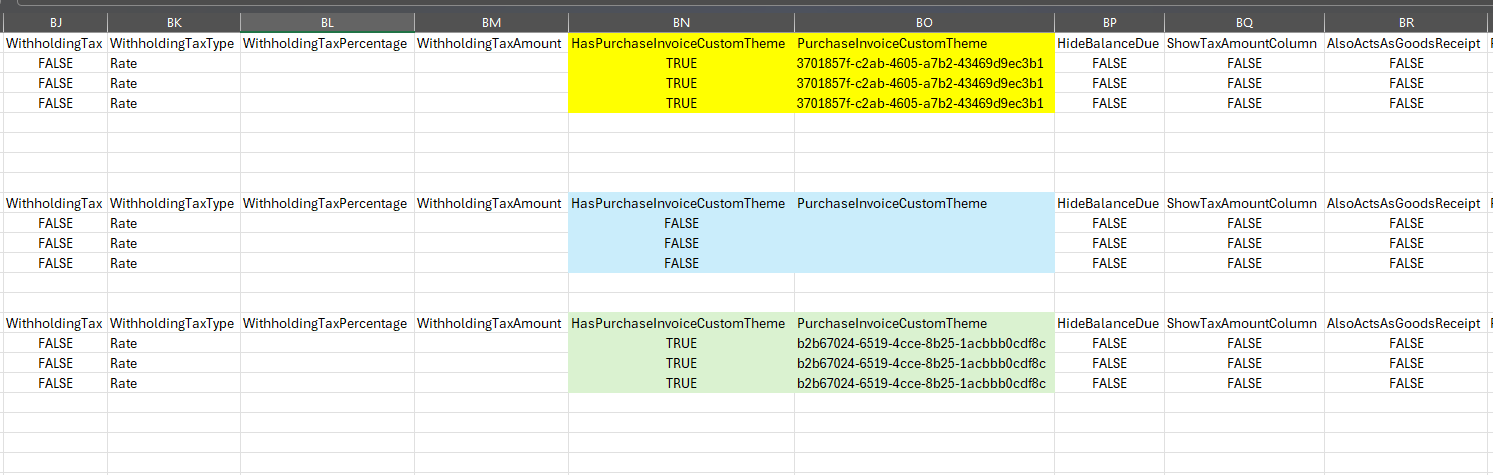
Batch Update for Custom Themes only works when changing from no theme to a custom theme, or from a custom theme to no theme.
So, to change the custom theme for invoices that are already using a custom theme, we need to perform the Batch Update twice:
First, use Batch Update to remove the existing theme,
then run another Batch Update to apply the new custom theme.