If you are unable to log in to your cloud edition site due to forgotten password, follow these steps:
Go to https://cloud.manager.io, enter your cloud site URL, then click Next

On the screen where you are asked to enter your administrator password, click Forgotten Password link.

On the next screen, click Send Email button.

You will receive email with the following content.

Click Login button within the email to log in without the password.
Once you are logged in, click Reset Password button.

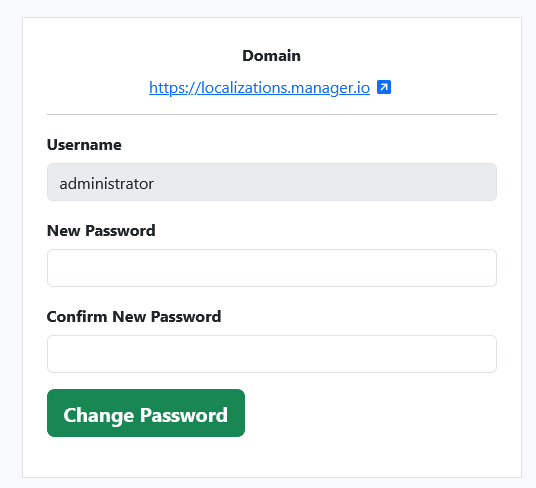
Enter new password for administrator account and click Change Password button.
Now you will be able to log in with your new administrator password to your Manager Cloud site.